ProDVX Android Panel PCs & Touch Displays
All-in-one, interactive, single-cable.
OmmaSign runs on ProDVX all-in-one Android panel PCs and PoE touch displays, the computer is built into the panel, so there is no separate player and, on PoE models, a single cable carries both power and data.
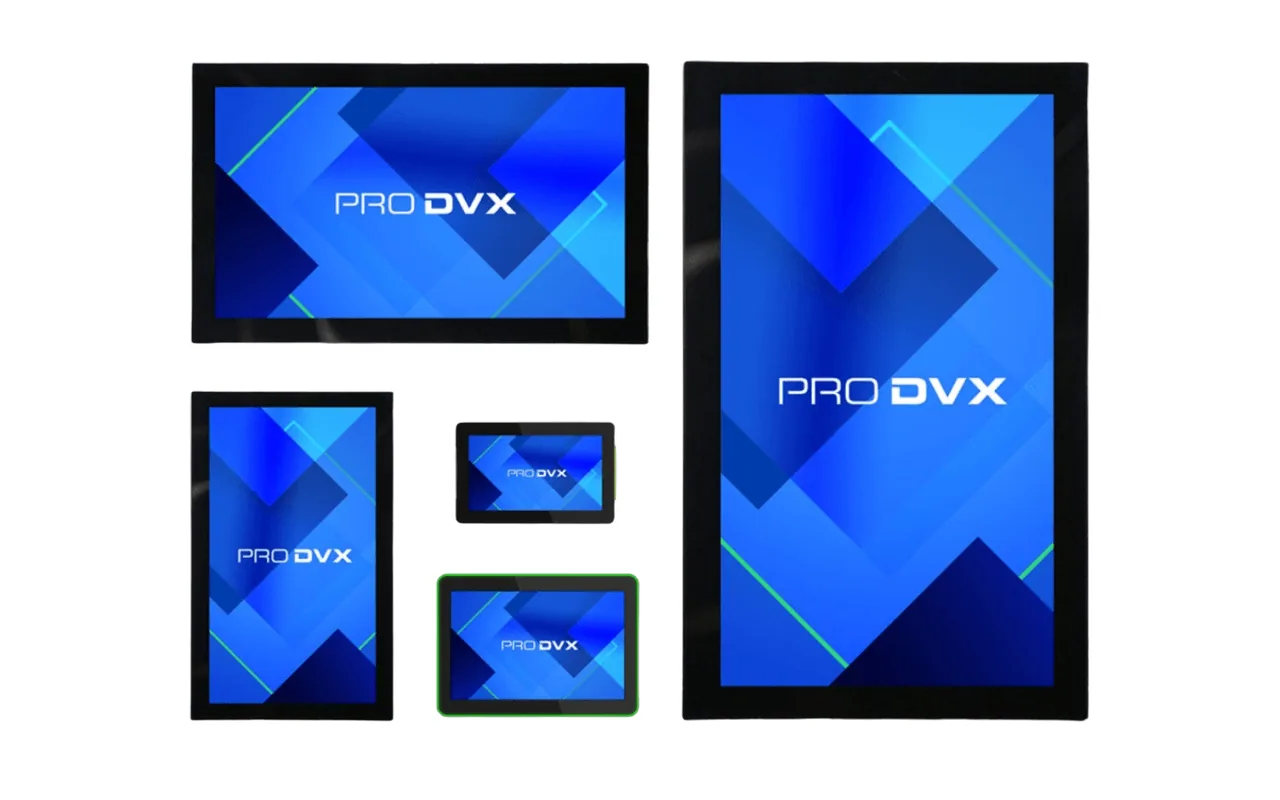
Compute in the panel. Touch built in. One cable.
ProDVX builds all-in-one Android panel PCs and PoE touch displays for interactive signage. The Android compute is integrated into the panel, so OmmaSign runs on the device itself, no external media player, mini-PC, or set-top box to source, mount, power, or maintain.
On Power-over-Ethernet models a single cable delivers both power and network, which keeps wall and kiosk installs clean. Install OmmaSign on the panel, enroll it, and manage content from the same OmmaSign dashboard you already use.
Built for interactive, always-on signage
ProDVX panels are commercial-grade all-in-one devices designed for touch and continuous operation, and OmmaSign runs right on them.
All-in-one panel PC
Android compute is built into the display, so OmmaSign runs on the device. No external player to buy, mount, or maintain.
Touch and interactive
Capacitive touch panels suit wayfinding, self-service, and interactive signage built with OmmaSign.
Power over Ethernet
On PoE models, a single cable carries power and data: cleaner kiosk and wall installs with fewer parts.
Simple provisioning
Install OmmaSign on the panel and enroll it in minutes. No specialist installer required.
Remote management
Push content, schedules, and updates to every ProDVX device from your OmmaSign dashboard, from anywhere.
Scales cleanly
From a single kiosk to a fleet across many locations, every panel runs the same OmmaSign build.
From panel to live screen in minutes
No external player to provision. Three steps and your ProDVX panel is running OmmaSign.
- 1
Choose a certified panel
Select a ProDVX Android panel PC or PoE touch display certified for OmmaSign.
- 2
Install and enroll
Install the OmmaSign app on the panel's Android platform, power it over Ethernet or mains, connect to your network, and link it to your OmmaSign account.
- 3
Manage with OmmaSign
The panel auto-launches OmmaSign on boot. Push content, schedules, and updates from your dashboard.
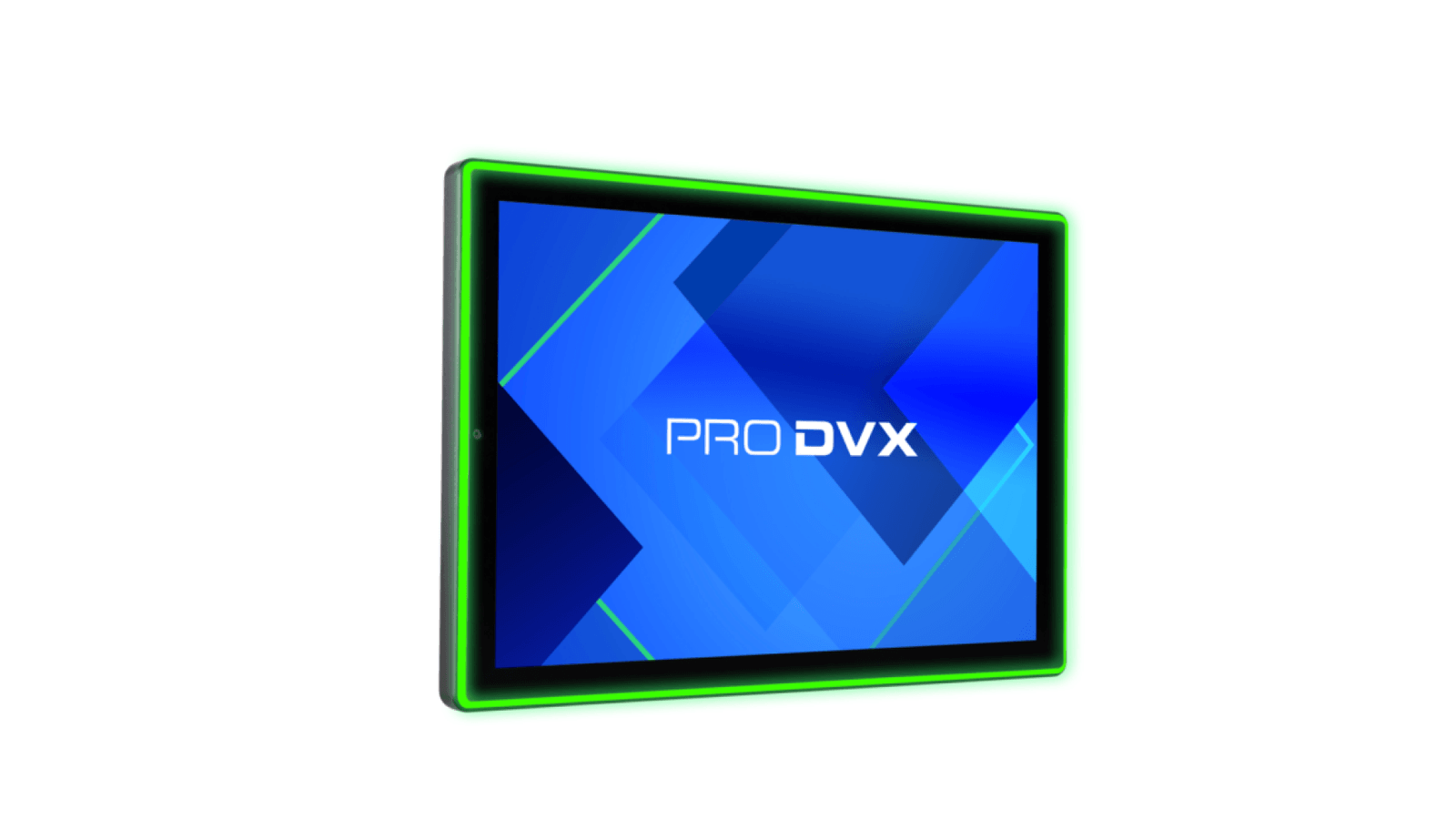
The computer is in the panel. Manage every device from one place.
Because the Android compute is integrated, there is no separate player to track. Monitor and control your entire ProDVX fleet remotely from the OmmaSign dashboard.
- Compute built into the panel, no external media player to source or replace.
- Capacitive touch for interactive and self-service experiences.
- Power over Ethernet on supported models: a single cable for power and data.
- OmmaSign auto-launches on boot in kiosk mode for uninterrupted playback.
- Push content, playlists, and schedules to any panel, instantly.
- Group devices by location and roll out updates remotely.
Availability
ProDVX Android panel PCs and PoE touch displays are sold through ProDVX's channels and authorised resellers. To find the right certified model for your interactive deployment, get in touch.
Run interactive signage on the panel itself.
Pair ProDVX all-in-one Android panels with OmmaSign for clean, single-cable interactive signage that scales.
OmmaSign is a certified software partner for ProDVX Android panel PCs and touch displays. ProDVX is a trademark of ProDVX Europe B.V. Certification and availability vary by model and region.