CELCAT Timetabling
Live timetables on every campus screen.
Connect CELCAT to OmmaSign and put scheduling data on screen across campus. Room displays, entrance boards, and wayfinding screens always show the current timetable, pulled straight from CELCAT.
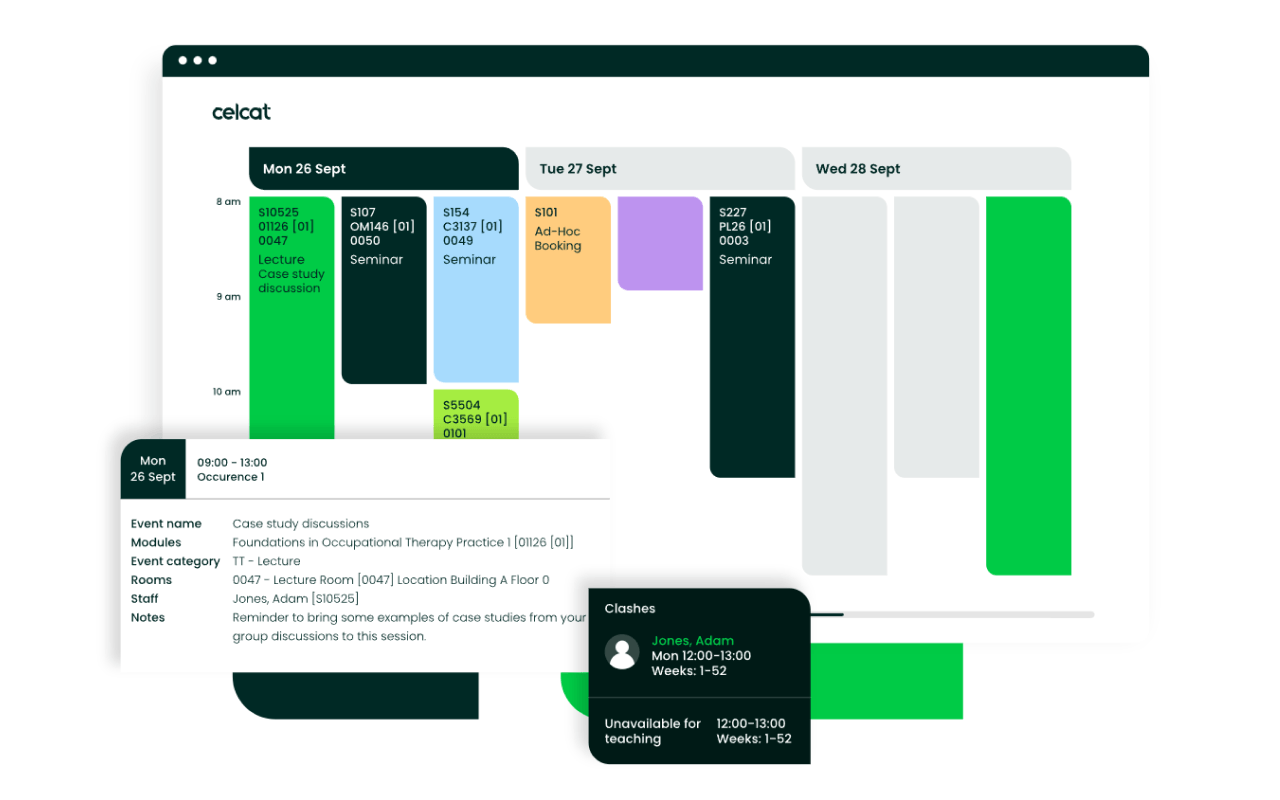
One timetable, on every screen.
CELCAT is the timetabling and scheduling system behind universities and colleges, the source of truth for who's teaching what, where, and when.
Connected to OmmaSign, that schedule drives your screens. Each room display shows its own day's timetable; entrance and corridor boards show what's on across the building; and when a class moves or cancels in CELCAT, the screens update on their own. No printed schedules taped to doors, no manually edited displays.
Built for campus screens
Turn the timetable students and staff already rely on into live, on-screen information.
Live room schedules
Each room display shows its own timetable for the day, straight from CELCAT.
Changes sync automatically
Move or cancel a session in CELCAT and the screens reflect it without manual edits.
Campus-wide boards
Entrance and corridor screens show what's on across the building at a glance.
Per-screen views
Target each display to a room, department, or building so it shows the right schedule.
Scales across campus
From a single room to every building, all screens run from the same CELCAT feed.
Wayfinding-ready
Combine schedules with maps and directions to help students find the right room.
From timetable to screen in three steps
Connect CELCAT, design and target the screens, and let it run.
- 1
Connect CELCAT
Link your CELCAT timetable data to OmmaSign.
- 2
Design and target
Assign displays to rooms, departments, or buildings, and build the room-schedule and campus-board templates in OmmaSign.
- 3
Go live
Screens now show the live timetable and update as CELCAT changes.
The timetable updates. The screens keep up.
OmmaSign reads schedules straight from CELCAT, so room displays and campus boards always show the current timetable, even when plans change.
- Each room display shows its own daily schedule.
- Cancellations and moves sync automatically.
- Campus boards show what's on across the building.
- Target screens by room, department, or building.
- Scale from one room to the whole campus.
- Combine with maps for schedule-aware wayfinding.
Connect it to OmmaSign
The CELCAT integration is available to OmmaSign customers running campus and education screens. Tell us about your CELCAT setup and the screens you want to drive and we'll help you scope and enable it.
Put the timetable on every screen.
Pair CELCAT with OmmaSign for campus displays that always show the current schedule.
OmmaSign integrates with CELCAT timetabling systems. CELCAT is a trademark of its respective owner. Integration scope and availability may vary by deployment.